How to Choose the Right Invoice Template for Your Business
By Farasat Abbas Naqvi · Published February 20, 2026 · Updated November 24, 2026
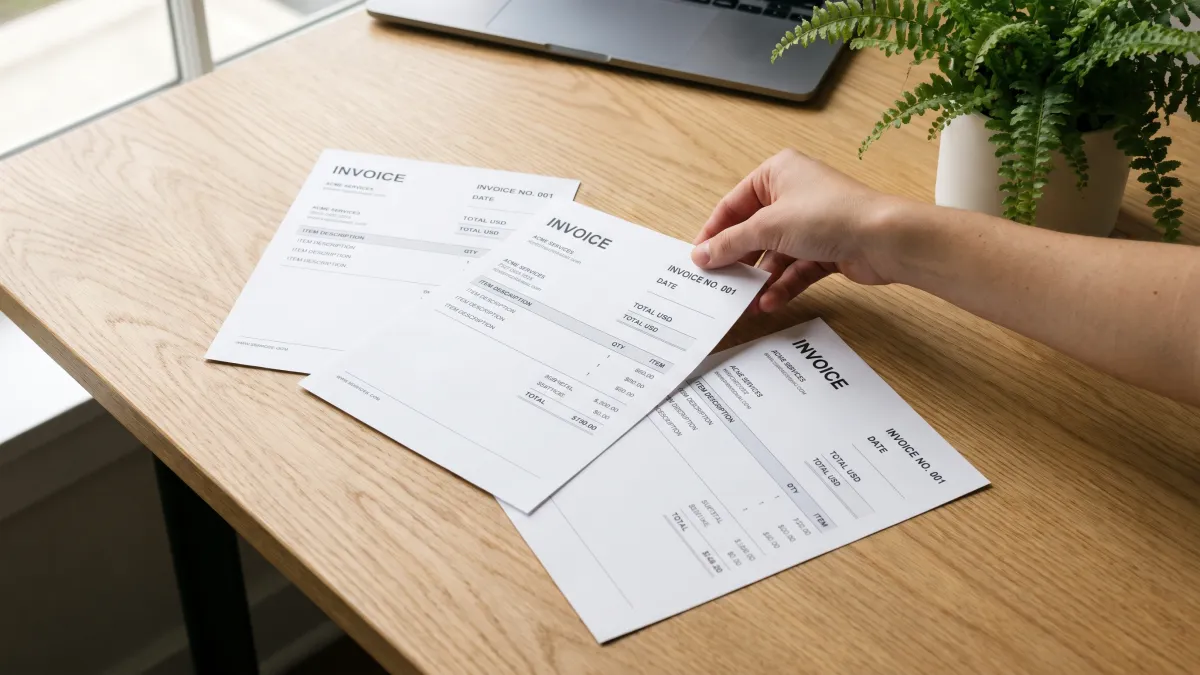
Your invoice template is more than just a document — it's a reflection of your brand. The right template makes your business look professional, keeps your information organized, and helps you get paid faster. Here's how to choose the perfect one.
Why Your Invoice Template Matters
A well-designed invoice template:
- Builds trust and credibility with clients
- Reduces payment delays by presenting clear information
- Saves time by providing a consistent, reusable format
- Ensures you never miss important details
- Reinforces your brand identity
The American Institute of CPAs (AICPA) emphasizes that consistent, standards-compliant documentation is fundamental to sound accounting practices.
Key Features of a Great Invoice Template
Clear Header with Branding
Your template should prominently display your logo, business name, and contact information. This makes your invoice instantly recognizable and professional.
Organized Layout
Information should flow logically: business details at the top, client details below, line items in the middle, and totals at the bottom. Use adequate spacing and visual hierarchy. For foundational design principles that apply to business documents, Canva's design rules guide is an excellent resource.
Itemized Line Items
A good template includes columns for item description, quantity, unit price, tax, discount, and line total. This level of detail prevents confusion and disputes.
Tax and Discount Support
Your template should handle various tax types (inclusive, exclusive, per-item) and discount options (percentage or fixed amount). Tax compliance varies by region, so flexibility is key.
Payment Information Section
Include a dedicated area for bank details, payment links, QR codes, and payment terms. Make it as easy as possible for clients to pay you.
Types of Invoice Templates
Minimalist
Clean, simple design with plenty of white space. Best for creative professionals, consultants, and modern brands. Focuses on readability over decoration.
Corporate
Structured, formal layout with clear sections and borders. Ideal for B2B services, agencies, and companies working with large clients.
Detailed
Comprehensive templates with space for PO numbers, reference numbers, shipping addresses, and extensive notes. Perfect for e-commerce, manufacturing, and complex projects.
What to Avoid in an Invoice Template
- Too much color — Keep it professional; 1-2 accent colors maximum
- Tiny fonts — Readability is paramount, especially for amounts
- Missing fields — Ensure all legally required information has a place
- Non-PDF formats — Always export as PDF for consistency
- No branding — A generic template misses an opportunity to build your brand
Free Invoice Templates with ProeInvoice
ProeInvoice offers multiple professionally designed templates that you can customize with your logo, colors, and business information. Switch between templates anytime — your data stays the same, only the design changes.
Ready to find your perfect template? Try our free invoice builder and preview different templates instantly.
How to choose an invoice template by business type
Choose an invoice template by how you charge, because the way you charge decides which columns the invoice needs. A business billing hours needs date, hours and rate; a business selling goods needs quantity, unit price and SKU; a business billing a contract in stages needs the contract value and the amount billed to date.
- Hourly services (consultants, freelancers): consulting or freelance invoice template
- Parts plus labor (trades and repairs): HVAC, plumbing or mechanic invoice template
- Staged contracts (builders): construction invoice template
- Exports: commercial invoice template
- India, GST-registered: GST invoice template
Every layout is listed in the invoice template hub.
How to choose an invoice template format: Word, Excel, PDF or online?
The best invoice template format depends on how many invoices you send: Word or Excel for a handful a year, an online generator once you are sending them every week. Word gives you full control of the layout but does no arithmetic; Excel calculates totals but is easy to break; a PDF is the right format to send but the wrong one to edit.
An online generator produces the PDF for you, numbers each invoice in sequence and keeps your client and item details for next time. That removes the two errors that cause most problems with hand-edited files: wrong totals and duplicated invoice numbers.
Whichever format you draft in, always send a PDF, so the figures cannot change on the way. Try the invoice maker to see the difference, or read the free invoice template for small business guide for a starter layout.