How to Send an Invoice by Email (with 5 Templates That Get Paid)
By Farasat Abbas Naqvi · Updated May 22, 2026
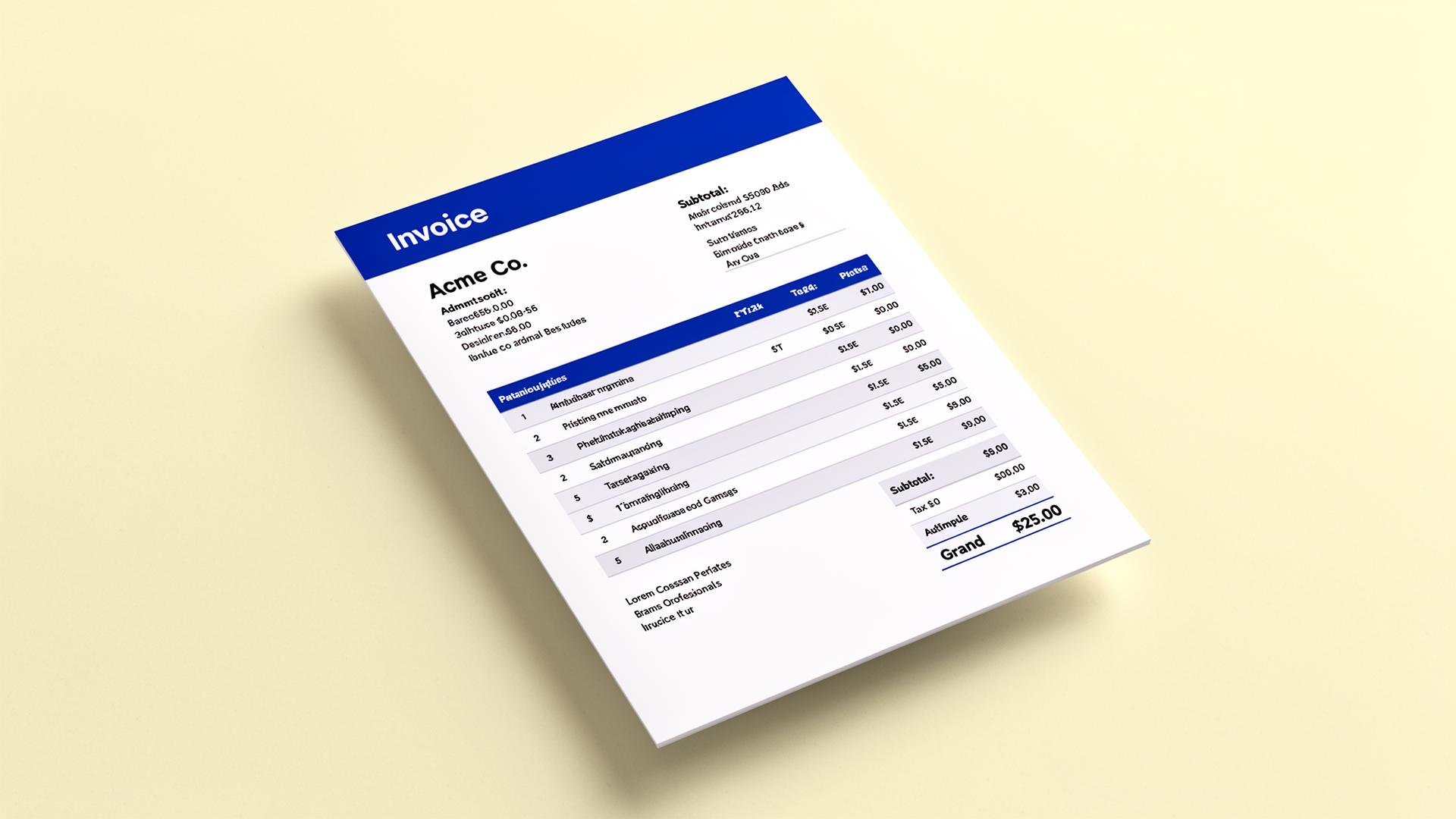
A great invoice with a vague email gets ignored. Treat the email as the cover letter — it sets expectations, surfaces the total, and tells the recipient what to do next.
Subject line rules
Always include: invoice number, amount, and due date. Example: "Invoice INV-0042 — $2,450 due Mar 15". Vague subjects ("Invoice from Acme") land in spam or get triaged away.
Template 1 — New invoice
Hi {{name}},
Please find attached invoice INV-0042 for {{amount}}, due {{due_date}}.
You can pay by card here: {{payment_link}}
Or by bank transfer to the details on the invoice.
Let me know if anything needs adjusting.
Thanks,
{{your_name}}
Template 2 — Friendly reminder (3 days before due)
Hi {{name}},
A quick reminder that invoice INV-0042 ({{amount}}) is due on {{due_date}}.
Pay here in one click: {{payment_link}}.
Thanks!
Template 3 — Overdue (day 1 past due)
Hi {{name}},
Invoice INV-0042 for {{amount}} was due yesterday and is now overdue. Could you confirm when payment will be made?
Per our terms, balances unpaid after the due date accrue interest at 1.5% per month.
Thanks,
{{your_name}}
Template 4 — Final notice (day 30 past due)
Hi {{name}},
Invoice INV-0042 is now 30 days overdue. Please settle the balance of {{amount}} by {{seven_days_out}} to avoid further collection steps.
I would much prefer to resolve this directly — let me know if there is an issue I can help with.
Thanks,
{{your_name}}
Template 5 — Recurring (monthly retainer)
Hi {{name}},
This month's retainer invoice INV-{{number}} for {{amount}} is attached, due {{due_date}}.
Same details as last month; payment link: {{payment_link}}.
Thanks as always.
Always attach the PDF and include a payment link
The PDF is for accounting; the link is for action. Generate an invoice with both in two minutes.
Related reading
Frequently Asked Questions
Should I CC my client's accounts payable team?
Yes, on the first invoice and on any reminder. Direct send to the buyer and CC AP gets the invoice into both inboxes; relying on the buyer to forward it loses days.
Plain text email or HTML?
Plain text. HTML emails with logos and styling are more likely to be flagged by spam filters on first contact. Save the branding for the PDF.
How many reminders before I stop?
Three: 3 days before due, 1 day after due, and 14 days after due. After 30 days, switch to a phone call — emails stop working.