How to Make a Purchase Order for Suppliers (Step-by-Step)
By Farasat Abbas Naqvi · Updated April 21, 2026
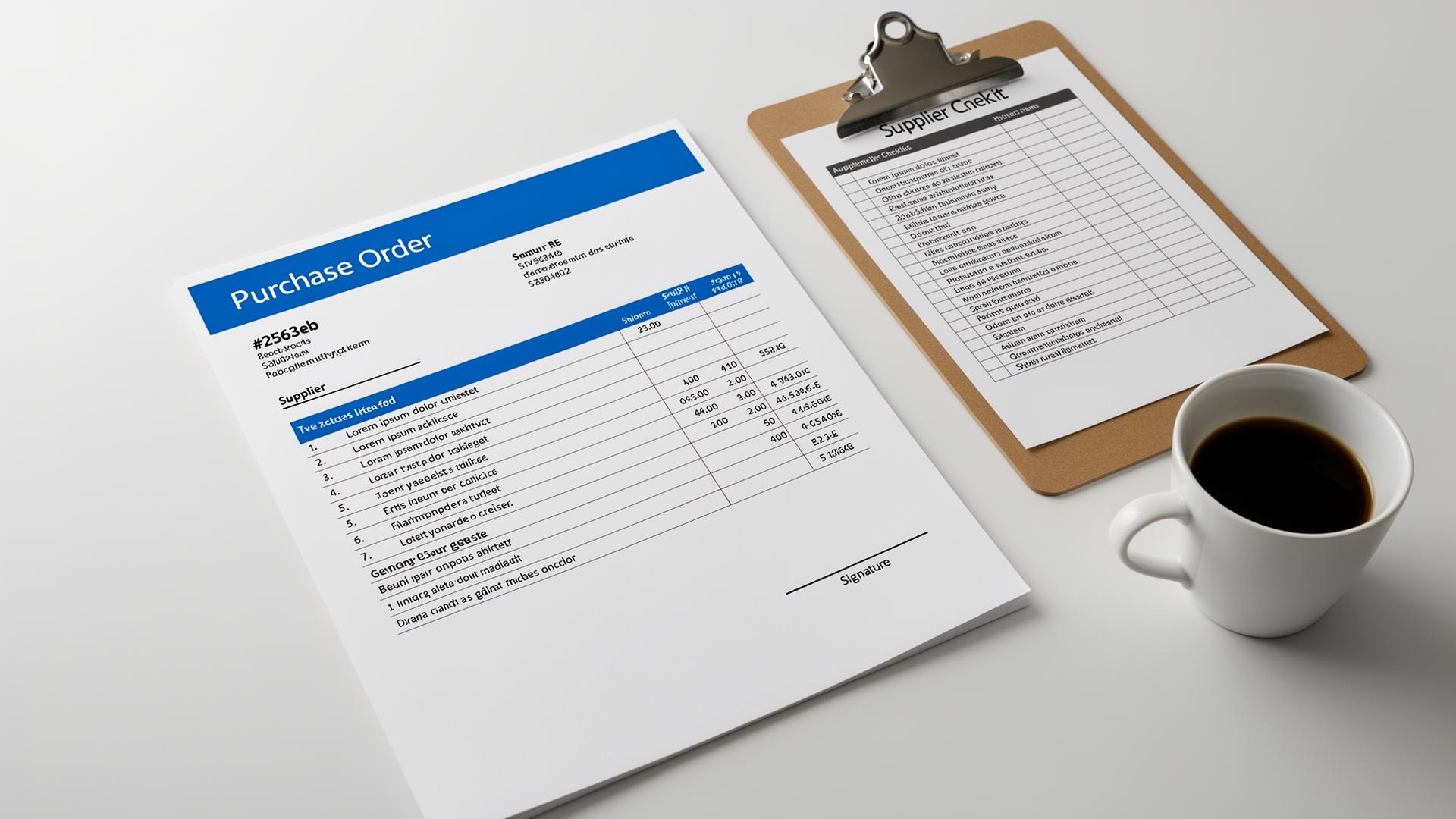
A well-built purchase order keeps your procurement clean, your suppliers happy, and your accounting reconciled. This walkthrough takes you from blank screen to a signed, sent PO in seven steps — with a free PO number helper at the bottom.
Step 1: Confirm the Need and Get Approval
Before raising a PO, confirm the request internally — a quick budget check or department-head sign-off prevents downstream disputes.
Step 2: Pick or Verify the Supplier
Make sure the supplier is approved, has up-to-date banking details, and matches your procurement policy. Save them in your vendor list to avoid re-entry.
Step 3: Generate a PO Number
Use a consistent format like PO-YYYY-#### or PO-####. Use the helper widget below to get the next number in your sequence. Never reuse a PO number.
Step 4: Add Line Items with Specifics
- SKU or product code (when available)
- Clear description — quantity, unit, specifications
- Unit price negotiated with the supplier
- Expected delivery date per line
Step 5: Set Terms
Spell out payment terms (Net 30 is common), incoterms (e.g., DAP, FOB), warranty, and acceptance criteria. Ambiguity here causes 80% of vendor disputes.
Step 6: Route for Approval
Most companies require a second-signer for POs above a threshold (often $1,000 or $5,000). Document the approval inside the PO or the email trail.
Step 7: Send to the Supplier and Track
Email the PDF to your supplier's order desk and CC your AP team. Track the PO status: Sent → Acknowledged → Delivered → Invoiced → Paid.
Quick Example
BrightCafe needs new espresso beans. The owner generates PO-2026-0078 for 20kg of beans at $32/kg, total $640.00, Net 14 with the roaster. The roaster acknowledges within a day, ships in 3, and invoices against the PO. AP matches the invoice line-for-line and pays on day 14.
What Goes Wrong (and How to Avoid It)
- Vague descriptions — always include specs, units, and grade
- No expected delivery date — suppliers deprioritize undated POs
- Mismatched currencies — state the currency explicitly on the PO
- Missing approver — finance will reject the resulting invoice
Skip the Manual Work
Use the free purchase order generator to build, number, and PDF a PO in under 90 seconds. Pair it with the PO format guide for examples of every field.
Related Reading
Frequently Asked Questions
Who issues a purchase order — the buyer or the seller?
The buyer issues the PO to the seller (supplier) to authorize the purchase at agreed terms.
Can I create a purchase order without an account?
Yes. The ProEInvoice guest PO builder is free and produces a downloadable PDF of your finished PO without sign-up.
How do I number my POs?
Use a consistent prefix and an unbroken sequential number, e.g., PO-2026-0001. Use the PO number helper above to get your next number.
Related Guides & Tools
- Free Purchase Order Generator
- Purchase Order Software
- What Is a Purchase Order? A Complete Guide for Small Businesses
- Purchase Order Workflows: Approval Steps That Catch Errors Early
- Purchase Requisition vs Purchase Order: Clear Difference
- Free Purchase Order Template (Word)
- Construction Purchase Order Template — Free PDF