How to Write an Invoice (Step-by-Step)
By Farasat Abbas Naqvi · Published June 15, 2026
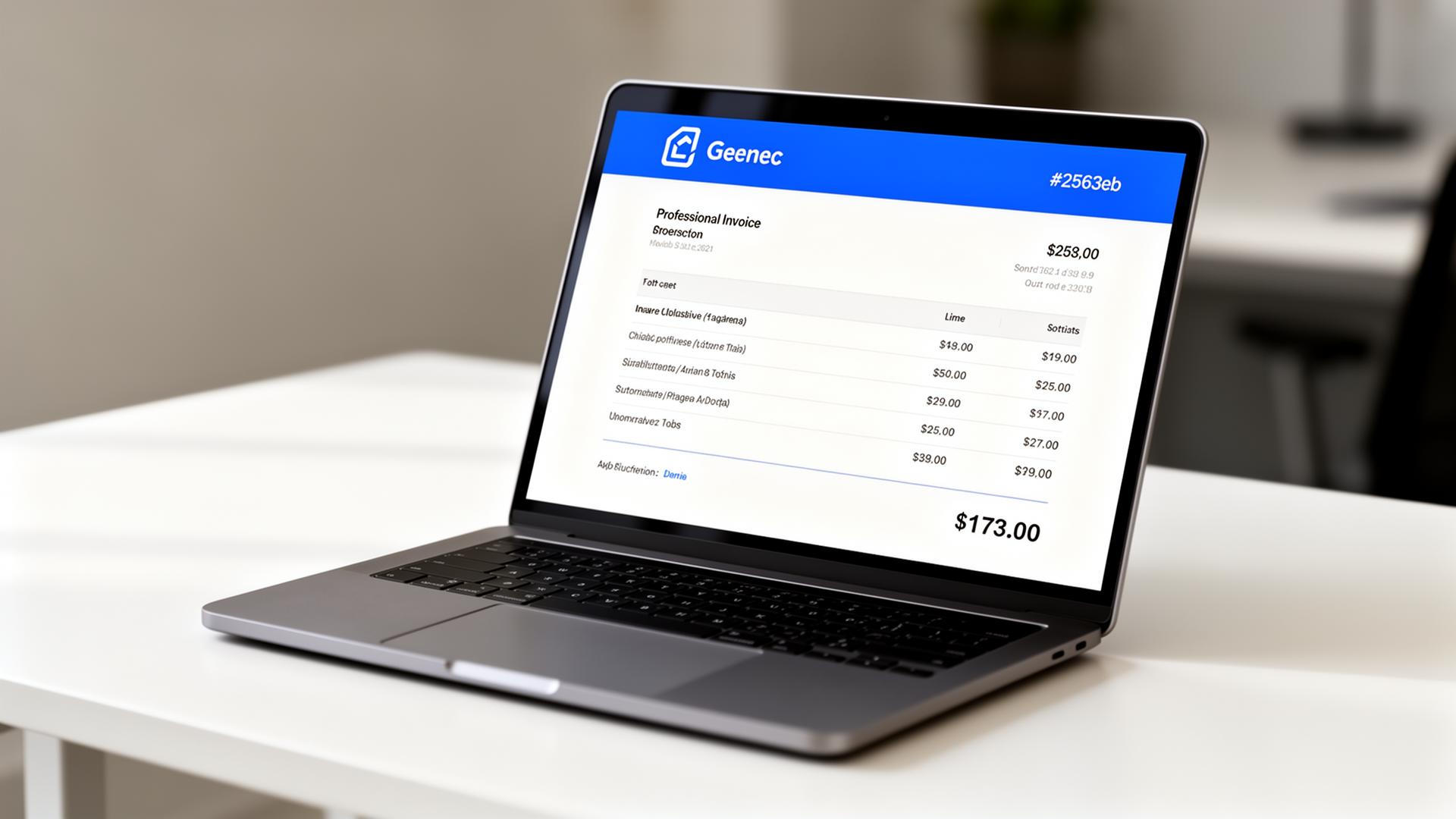
To write an invoice, add your business header, the client's details, a unique invoice number, the issue and due date, an itemized list of work, the subtotal and tax, the grand total, and payment instructions. Save as PDF and email it the same day work is delivered. Below is the exact seven-step process with a worked example.
Step 1 — Add your business header
Logo, business name, address, email, phone, and tax ID. This information is the same on every invoice — set it up once.
Step 2 — Add the client
Client company name, billing contact, billing address, and email. Make sure the email is the accounts-payable inbox, not the person who hired you.
Step 3 — Assign a unique invoice number and dates
Use a clean prefix-plus-sequence format like INV-0042. Add the issue date and a due date based on your terms.
Step 4 — List your work as line items
One row per deliverable: description, quantity (or hours), unit price, and line total. Be specific — "Website UX audit — 8 hours @ $150" beats "Consulting".
Step 5 — Add subtotal, tax, and grand total
Always show subtotal and tax on separate rows so the buyer can validate the math. Use the free invoice builder to auto-calculate.
Step 6 — Spell out payment terms
State the due date, accepted payment methods (bank transfer, card link), and any late-payment fee. See our guide to invoice payment terms.
Step 7 — Save as PDF and send
Export to PDF and email with the total in the subject line. Attach the file rather than linking — accounts-payable systems prefer attachments.
Worked example
| Description | Qty | Rate | Amount |
|---|---|---|---|
| Website UX audit | 8 | $150.00 | $1,200.00 |
| Wireframe revisions | 3 | $150.00 | $450.00 |
| Subtotal | $1,650.00 | ||
| Sales tax (10%) | $165.00 | ||
| Total due | $1,815.00 | ||
Industry-specific layouts
Different trades need different fields. Start from a layout that matches yours:
Avoid the common mistakes
Skipping the due date, reusing an invoice number, forgetting tax, or sending to the wrong contact are the four most common reasons invoices get paid late. The invoice numbering best practices guide covers the numbering rules in depth.
Send your first invoice now
Open the free invoice builder — no signup. Fill in the seven fields above, click download, and you're done.
Frequently asked questions
How do I write an invoice as a freelancer?
Add your business name, your client, a unique invoice number, today's date, a due date, line items with hours/quantity and rate, subtotal, tax, total, and payment instructions. Send as PDF.
What should the invoice number look like?
Use a prefix plus a zero-padded sequence (INV-0001, INV-0002…) with no gaps. See our guide on invoice numbering best practices.
Do I need to charge tax on every invoice?
Only if you are tax-registered in the buyer's jurisdiction. If you are, show the tax rate and amount on a separate line. If not, omit the tax row and note your exemption.
What are typical payment terms?
Net 14 and Net 30 are most common. State the due date explicitly, list accepted payment methods, and include a late-payment policy.
Frequently Asked Questions
How do I write an invoice as a freelancer?
Add your business name, your client, a unique invoice number, today's date, a due date, line items with hours/quantity and rate, subtotal, tax, total, and payment instructions. Send as PDF.
What should the invoice number look like?
Use a prefix plus a zero-padded sequence (INV-0001, INV-0002…) with no gaps. See our guide on invoice numbering best practices.
Do I need to charge tax on every invoice?
Only if you are tax-registered in the buyer's jurisdiction. If you are, show the tax rate and amount on a separate line. If not, omit the tax row and note your exemption.
What are typical payment terms?
Net 14 and Net 30 are most common. State the due date explicitly, list accepted payment methods, and include a late-payment policy.