How to Write a Winning Quotation That Converts
By Farasat Abbas Naqvi · Published April 3, 2026
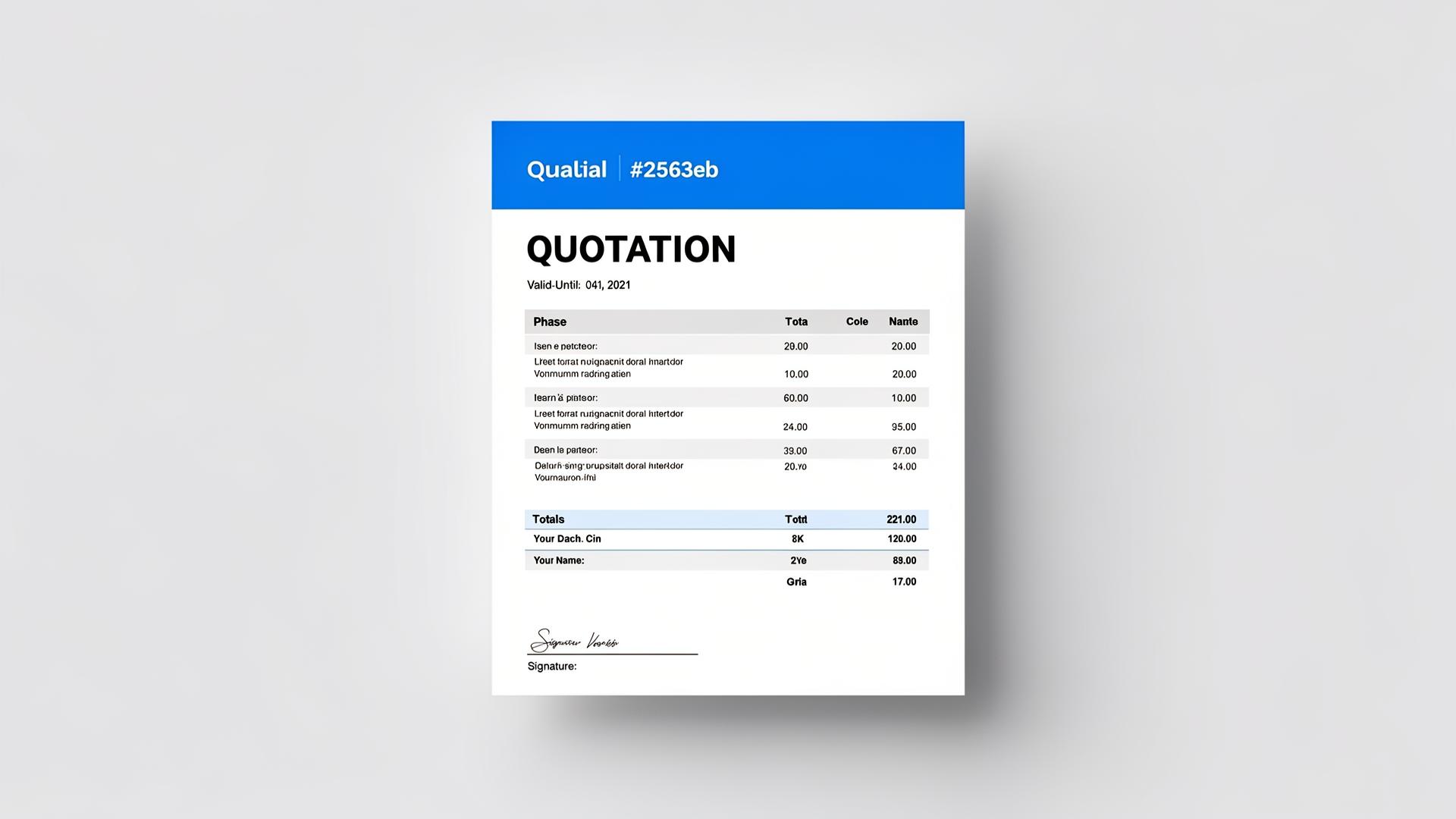
A quotation (or quote) is a formal document that outlines the price and terms for goods or services before a client commits to purchasing. A well-crafted quotation can be the difference between winning and losing a deal. As HubSpot's sales quoting guide explains, speed and clarity are the two biggest factors in quote-to-close conversion.
What Makes a Great Quotation?
The best quotations are clear, professional, and easy to act on. They answer every question the client might have about scope, pricing, and timeline — reducing friction in the decision-making process.
Essential Elements of a Quotation
- Quotation number — For tracking and reference
- Issue date and validity date — When it was created and how long the offer stands
- Client details — Name, company, and contact information
- Itemized pricing — Clear breakdown of each product or service with quantities and unit prices
- Tax calculations — Applicable taxes clearly displayed
- Terms and conditions — Payment terms, delivery timelines, and any conditions
- Total amount — The bottom line the client will pay
Quotation vs Estimate vs Invoice
An estimate is an informal approximation of cost. A quotation is a formal, fixed-price offer. An invoice is a request for payment after work is done. Quotations sit between estimates and invoices in the sales cycle. For a full breakdown of how these documents differ, read Invoice vs Purchase Order vs Quotation: Key Differences.
Tips for Higher Conversion Rates
- Respond quickly — Send quotations within 24 hours of inquiry
- Be specific — Vague quotes lose to detailed ones
- Set a validity period — Create urgency with a clear expiration date. The Investopedia definition of quotation notes that validity periods are essential for price-sensitive markets.
- Include multiple options — Offer tiers (basic, standard, premium) when appropriate
- Follow up — A polite follow-up within 3-5 days significantly improves acceptance rates
- Look professional — Use branded templates with your logo and consistent formatting
From Quotation to Invoice
Once a client accepts your quotation, you can convert it into an invoice. This workflow — quote → accept → invoice — creates a clear paper trail and professional client experience.
Creating Quotations with ProeInvoice
ProeInvoice's Quotation module makes it easy to create professional quotes with validity tracking, accept/reject status management, and instant PDF export. Manage your entire quoting pipeline from a dedicated dashboard.
Start winning more deals. Try the free Quotation builder — no sign-up required. Or sign up free to manage your full quoting pipeline.
Related Guides & Tools
- Free Quotation & Estimate Generator
- Free Quotation Generator Online
- Quotation vs Estimate vs Proposal: Which One Should You Send?
- Roofing Estimate Template + How to Price a Roof
- Request for Quotation Sample: Free RFQ Template & Format
- Free Quote Template for Small Business (2026)
- Quotation Format for Business — Free Word, Excel & PDF